

Office 365 Solutions

Maximize productivity, collaboration, and data protection with secure Microsoft Office 365 solutions tailored to your business needs.
Office 365

Modern businesses depend on connected, cloud-based productivity environments to support distributed teams, remote workforces, and increasingly complex collaboration requirements.


Microsoft 365 provides organizations with a comprehensive suite of cloud-based productivity and communication tools, including Microsoft Teams, Outlook, SharePoint, OneDrive, Word, Excel, and PowerPoint, enabling employees to work securely and efficiently from any device or location. For businesses managing sensitive data and regulatory obligations, Microsoft 365 also provides built-in security features, identity management, and compliance tools that support information governance across the entire organization.


At Cloudshots, we help businesses implement, manage, and optimize Microsoft Office 365 solutions to create a connected and productive digital workplace. From deployment and migration to backup solutions and ongoing management, our experts ensure your organization gets the most value from the Microsoft ecosystem while keeping critical business data protected.

Why Businesses Are Choosing Microsoft 365 for Collaboration and Data Protection

Office 365 Solutions

As organizations move to hybrid and remote work models, Microsoft 365 has become the foundation for business communication, document collaboration, and digital workflow management. Microsoft Teams enables real-time communication and virtual meetings, SharePoint provides centralized document management and intranet capabilities, OneDrive delivers personal cloud file storage and sharing, and Exchange Online powers enterprise email through Outlook across all devices. A critical consideration for every organization using Microsoft 365 is data protection.


While Microsoft maintains platform availability and infrastructure resilience, the shared responsibility model places the obligation for protecting actual business data firmly with the organization. Microsoft's native retention policies are not a substitute for a dedicated Office 365 backup solution. Third-party Office 365 backup software protects against accidental deletion, ransomware, insider threats, and data loss scenarios that fall outside Microsoft's standard recovery capabilities.


Cloud Shots helps businesses implement the full Microsoft 365 environment, and the backup and security controls needed to protect it, ensuring collaboration is productive, data is recoverable, and compliance obligations are consistently met.

Key Benefits

Enhanced Team Collaboration

Enable distributed teams to communicate, share files, co-author documents, and manage projects in real time using Microsoft Teams, SharePoint, and OneDrive, improving cross-team productivity and reducing reliance on email for internal communication.

Secure Cloud-Based Productivity

Provide employees with access to the full Microsoft 365 application suite from any device, any location, with enterprise-grade identity protection through Microsoft Entra ID, multi-factor authentication, and conditional access policies that keep business data secure without restricting user productivity.

Reliable Office 365 Backup Solutions

Protect business-critical data stored in Exchange Online, SharePoint, OneDrive, and Microsoft Teams with dedicated third-party Office 365 backup software that provides granular recovery, longer retention periods, and protection against accidental deletion, ransomware, and data corruption.

Improved Data Protection and Recovery

Establish robust data recovery capabilities across your Microsoft 365 environment with point-in-time restore, mailbox-level recovery, SharePoint site restore, and OneDrive file version recovery options that minimize data loss and reduce recovery time in the event of an incident.

Simplified User Management

Streamline user provisioning, license management, role-based access control, and offboarding processes through Microsoft Entra ID and Microsoft 365 Admin Center, reducing administrative overhead and ensuring consistent access policies across the organization.

Anywhere Access to Business Applications

Give employees access to Microsoft 365 applications including Outlook, Word, Excel, PowerPoint, Teams, and OneNote from any device, including Windows, macOS, iOS, and Android, supporting flexible working arrangements and business continuity across locations.

Increased Operational Efficiency

Automate routine business workflows using Microsoft Power Automate, integrate business applications with Microsoft 365 tools, and leverage Microsoft Copilot capabilities to reduce manual tasks, improve process consistency, and free employees for higher-value work.

Business Continuity and Compliance Support

Meet regulatory and industry compliance requirements using Microsoft 365 Compliance Center tools including eDiscovery, data loss prevention (DLP) policies, retention labels, sensitivity labels, and audit logging, combined with a dedicated backup strategy that ensures data remains protected

Our Microsoft Office 365 Capabilities

Selecting the right Microsoft Office 365 strategy requires balancing productivity, security, scalability, and data protection requirements. Whether you're deploying data, setting up cloud backup through Microsoft Office 365, or evaluating different backup approaches, our specialists design solutions aligned to your business goals.

Capabilities

Office 365 Assessment & Planning
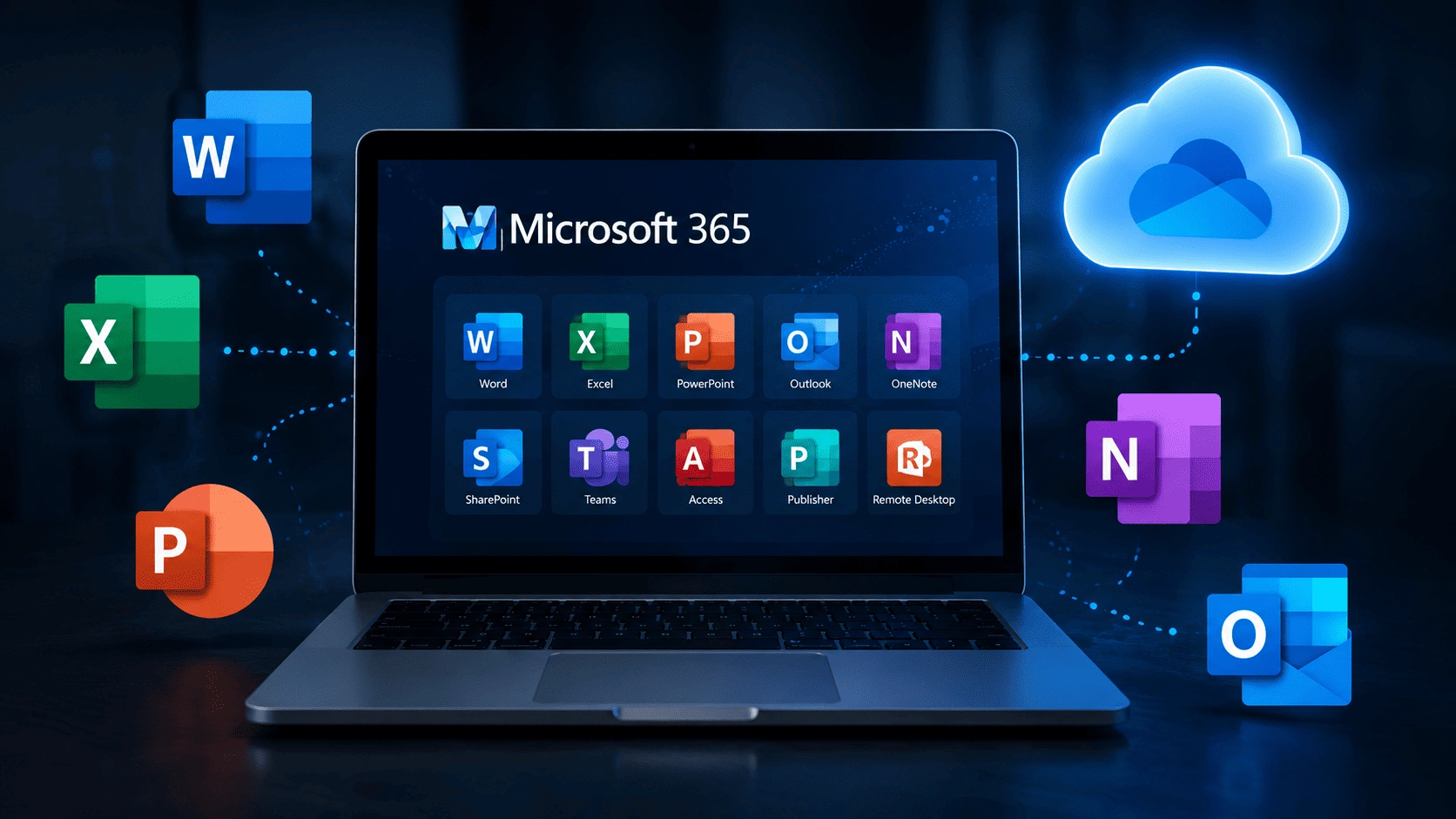
Office 365
Assessment & Planning

Microsoft 365 Deployment & Configuration
Microsoft 365
Deployment & Configuration

Office 365 Migration Services
Office 365 Migration Services

Office 365 Backup Solutions

Office 365
Backup Solutions

Office 365 Email Backup

Office 365
Email Backup

Office 365 Cloud Backup Implementation

Office 365 Cloud
Backup Implementation

O365 Backup Solutions Management

O365 Backup
Solutions Management

User & Identity Management

User & Identity
Management

Security & Compliance Configuration

Security & Compliance Configuration

Collaboration & Productivity Optimization

Collaboration &
Productivity Optimization

Monitoring & Performance Management

Monitoring & Performance Management

Ongoing Office 365 Support & Management

Ongoing Office 365
Support & Management

How Cloudshots Delivers Microsoft Office 365 Solutions

A successful Microsoft Office 365 deployment requires strategic planning, secure implementation, and continuous optimization. At Cloudshots, we follow a structured approach to ensure your Microsoft environment remains secure, productive, and aligned with your business objectives. Our experts will provide ongoing support to help organizations maximize collaboration while protecting critical business data.

01.
Assess
We evaluate your existing collaboration tools, productivity requirements, security needs, and business objectives to identify the right Microsoft Office 365 strategy.
02.
Design
Our specialists will design a Microsoft Office 365 environment tailored to your users, workflows, compliance requirements, and business goals.
03.
Deploy
We implement and configure Microsoft Office 365 solutions, migrate users and data, and ensure minimal disruption to business operations.
04.
Secure
We implement Microsoft Office 365 backup software, email backup solutions, security controls, and compliance policies to safeguard critical business information.
05.
Optimize
We continuously monitor, manage, and optimize your Microsoft Office 365 environment to improve performance, security, user adoption, and operational efficiency.

Frequently Asked Questions

Microsoft Office 365 solutions include Microsoft's cloud-based productivity suite featuring Outlook, Teams, Word, Excel, PowerPoint, SharePoint, OneDrive, and other collaboration tools designed to improve workplace efficiency and communication while enabling secure collaboration and flexible remote work capabilities.
Microsoft Office 365 backup helps organizations protect critical business data from accidental deletion, cyber threats, user errors, and compliance-related risks. It provides an additional layer of data protection beyond standard platform retention capabilities, ensuring faster recovery and improved business continuity when unexpected data loss occurs.
Microsoft Office 365 email backup is the process of securely backing up Outlook emails, attachments, calendars, and mailbox data to ensure recovery in the event of data loss or deletion. It helps organizations maintain business continuity, meet compliance requirements, and quickly restore critical communications when needed.
The best Microsoft Office 365 backup solutions depend on your organization's size, compliance requirements, recovery objectives, and security needs. Our experts help businesses identify and implement the most suitable backup strategy while ensuring reliable data protection, recovery, and long-term business continuity.
Yes. We provide Microsoft Office 365 cloud backup services, backup software implementation, and ongoing backup management to ensure business-critical data remains protected and recoverable. Our team also helps establish retention policies and recovery strategies that support compliance and business continuity requirements.
Microsoft Office 365 cloud backup pricing typically depends on the number of users, storage requirements, backup retention policies, and recovery capabilities required by the organization. Additional factors such as compliance needs, advanced security features, and support levels may also influence overall costs.
Yes. We provide secure Microsoft Office 365 migration services that help businesses move emails, files, users, and collaboration workloads to Microsoft 365 with minimal disruption while ensuring data integrity and security. Our team also assists with migration planning, user onboarding, and post-migration support to ensure a smooth transition and successful adoption.

Don’t Miss Out the Future!