



Google Workspace Solutions

Empower teams with secure, collaborative, and intelligent Google Workspace solutions designed for modern business productivity.
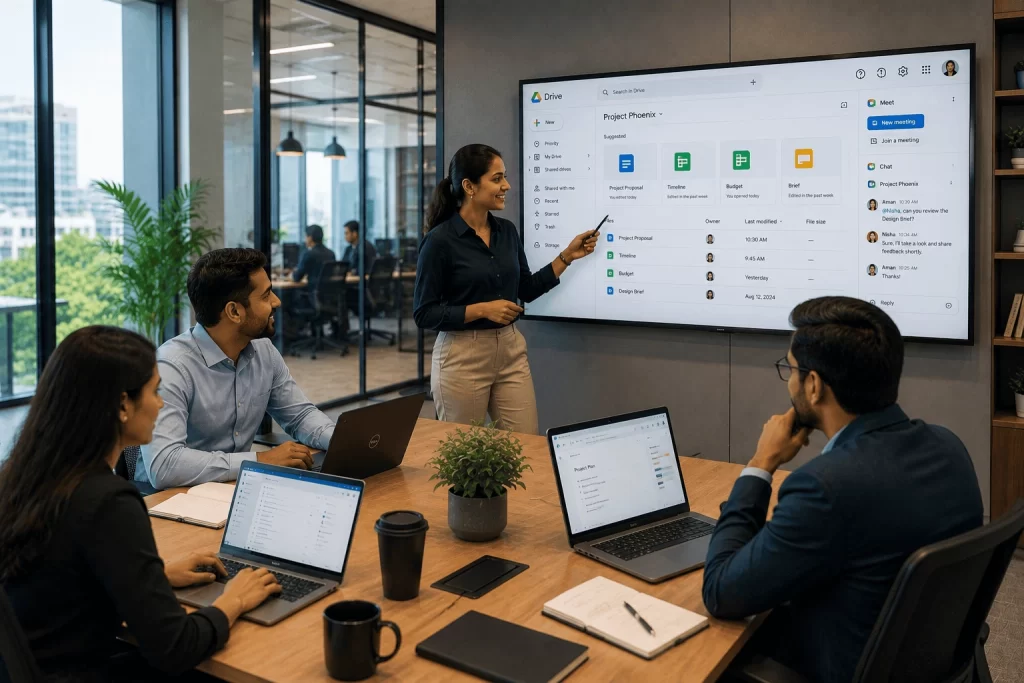
Google Workspace

Modern organizations need cloud-based collaboration tools that support distributed teams, remote workforces, and hybrid work environments without compromising security, governance, or operational efficiency.


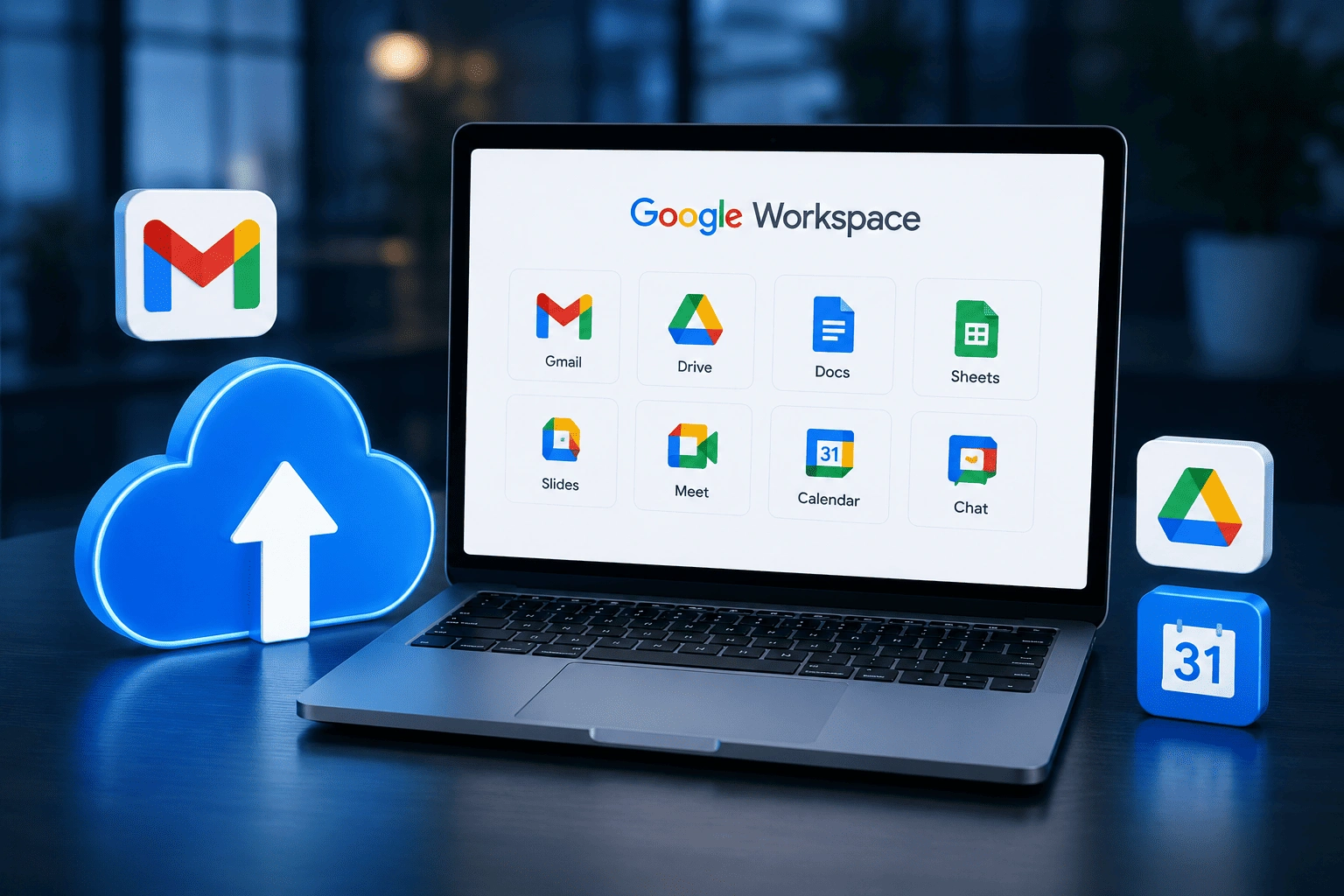
Google Workspace provides a comprehensive suite of cloud-native productivity applications, including Gmail, Google Drive, Google Docs, Google Sheets, Google Slides, Google Meet, Google Chat, and Google Calendar, enabling teams to communicate, collaborate, and manage business information in real time from any device or location.


For businesses managing sensitive data and regulatory obligations, Google Workspace also provides built-in security controls, endpoint management, data loss prevention capabilities, and compliance tools that support information governance across the entire organization.


At Cloud Shots, we help businesses implement, manage, and optimize Google Workspace solutions to create a connected and productive digital workplace. From deployment and migration to Google Workspace management, security, workflow automation, and document management, our experts ensure your organization maximizes the usage value of the Google cloud workspace ecosystem.

Why Businesses Are Choosing Google Workspace for Collaboration, Security, and Productivity
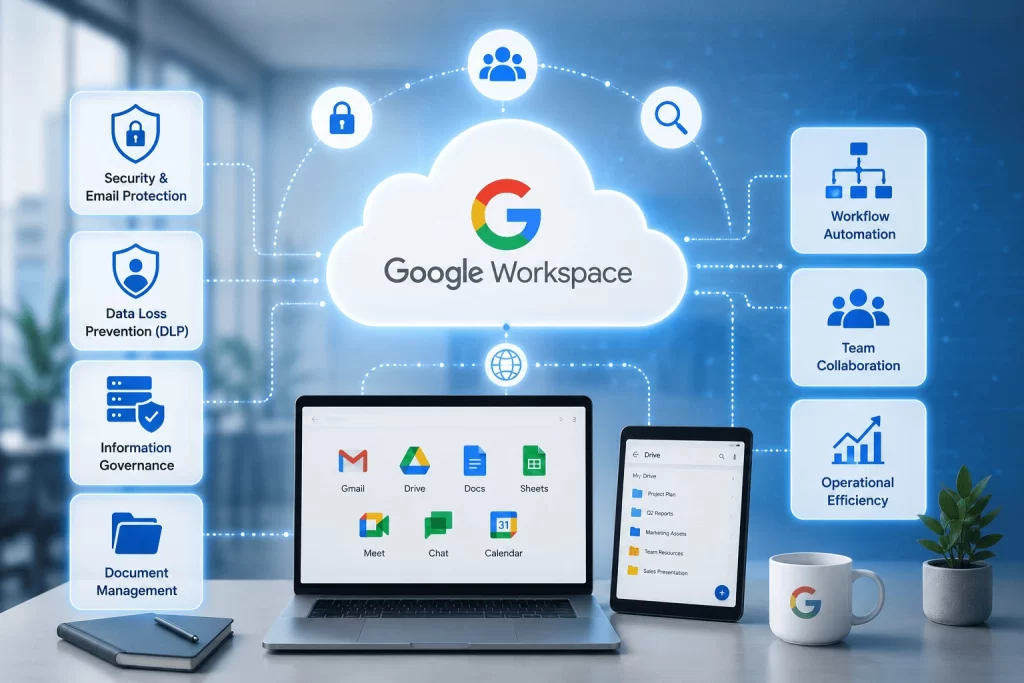
Google Workspace Solutions

As businesses continue to embrace hybrid work environments, the need for secure collaboration, centralized information management, and automated workflows has become increasingly important. Google Workspace provides powerful tools including Gmail, Google Drive, Docs, Sheets, Meet, Chat, and Calendar that enable teams to work together in real time.

Beyond collaboration, organizations require strong governance, security, and operational efficiency. Cloudshots helps businesses implement Data Loss Prevention (DLP), email security, workflow automation, and document management solutions that improve productivity while safeguarding critical business information. Our Google Workspace solutions help organizations streamline operations, enhance collaboration, and create a scalable foundation for growth.

Key Benefits

Enhanced Team Collaboration

Enable distributed teams to collaborate in real time using Google Workspace tools including Gmail, Google Meet for video conferencing, Google Chat for team messaging, and Google Docs, Sheets, and Slides for simultaneous multi-user document co-authoring, reducing email bottlenecks and improving cross-team coordination.

Secure Google Workspace Management

Centrally manage your Google Workspace environment through the Google Admin Console, enforcing security policies, managing user access, controlling application permissions, configuring organizational units, and maintaining governance standards across all users, devices, and data within your domain.

Improved Google Workspace Email Security

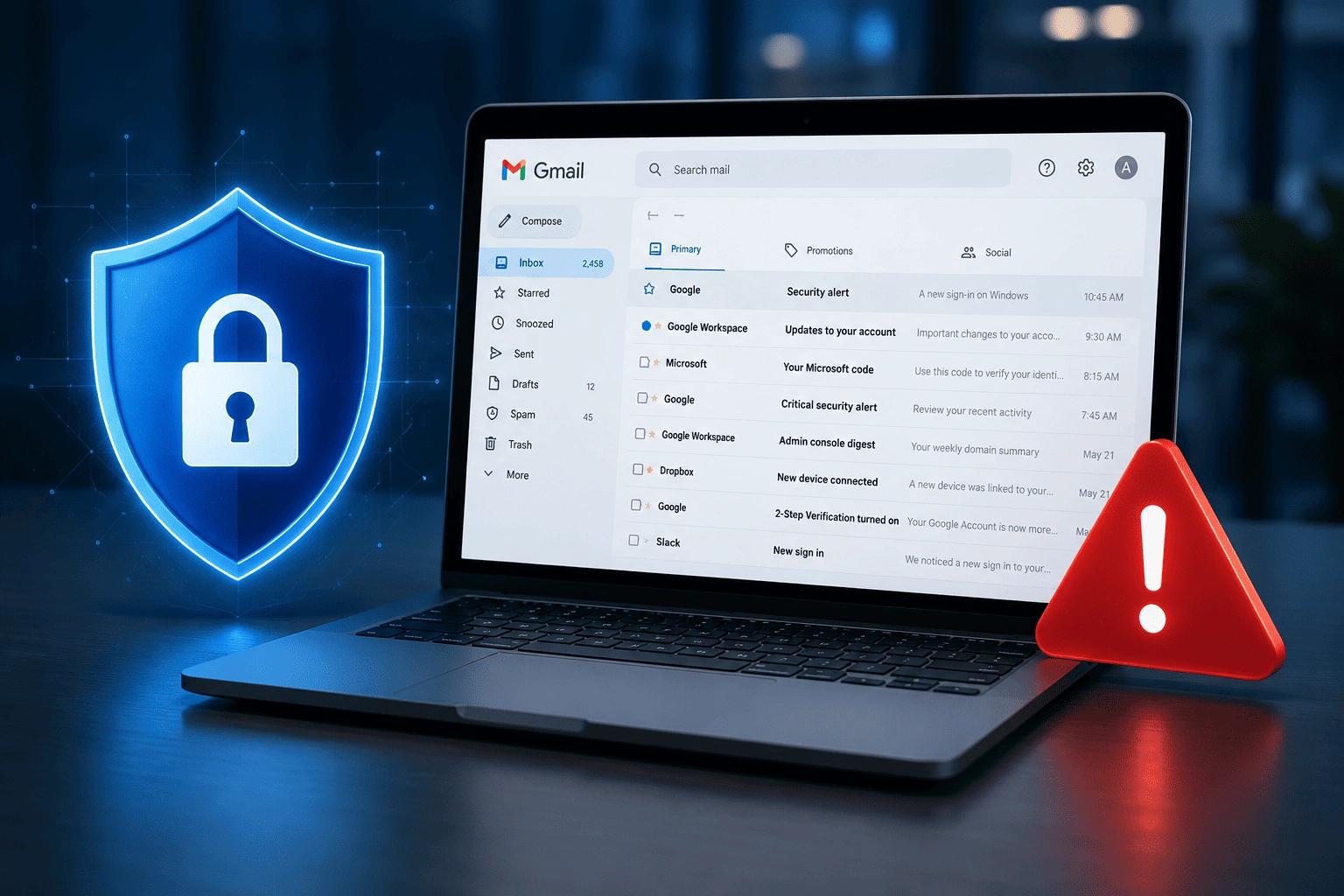
Protect business email communications with advanced Gmail security controls including DKIM, SPF, and DMARC authentication, phishing and spoofing protection, malware scanning, spam filtering, confidential mode, and S/MIME encryption for sensitive communications, reducing the risk of email-based cyberattacks and data breaches.

Centralized Document Management

Organize, store, and manage business documents centrally using Google Drive and Shared Drives, providing version-controlled cloud file storage, granular access permissions, audit trails, and search capabilities that enable teams to find, share, and collaborate on documents securely from any device or location.

Automated Business Workflows

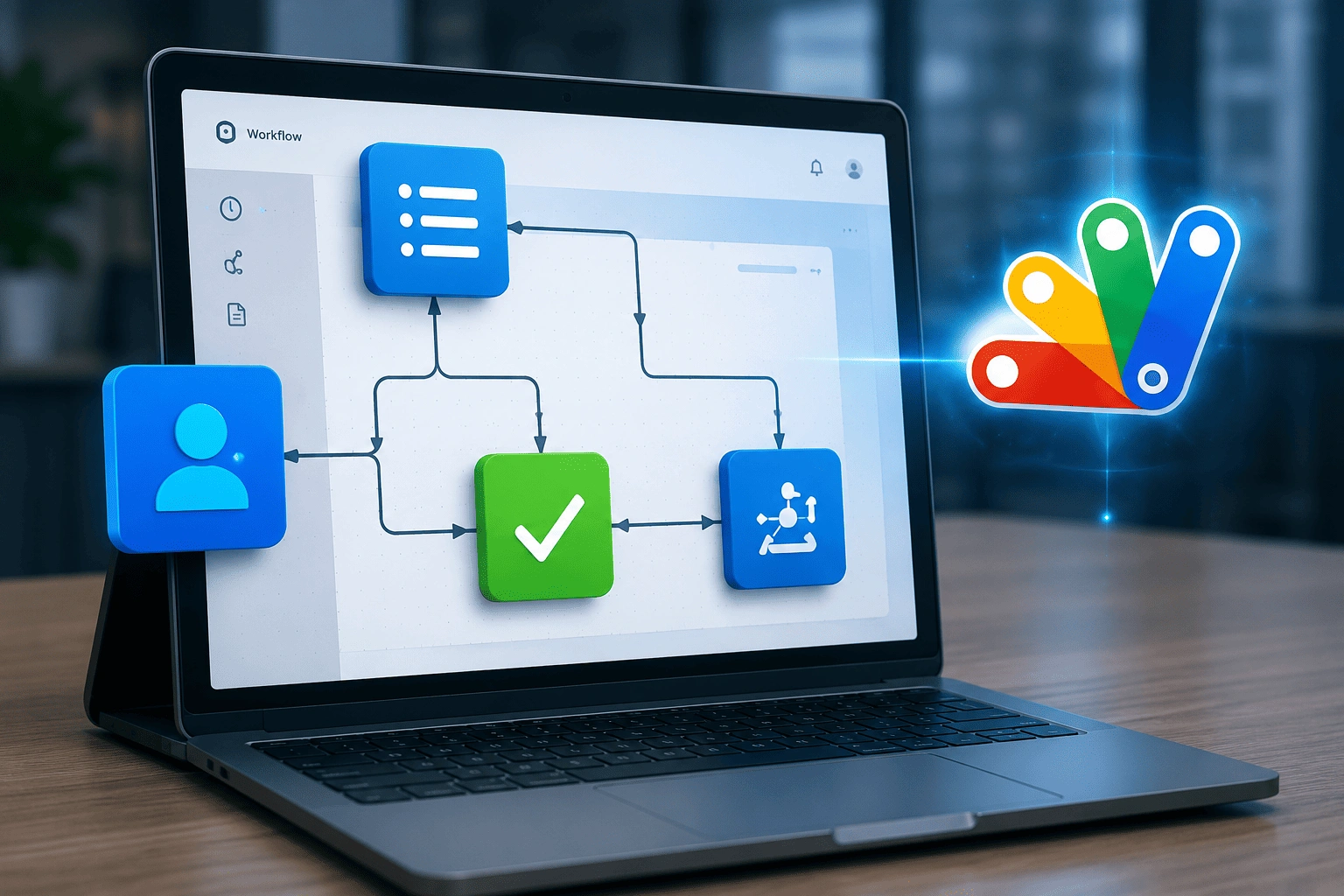
Reduce manual, repetitive business tasks by automating workflows using Google Apps Script for custom automation within Google Workspace, AppSheet for no-code application development, and Zapier or Make integrations that connect Google Workspace applications to third-party business tools and CRM platforms.

Secure Data Sharing and Access Control

Control how business data is shared inside and outside the organization using Google Workspace DLP policies, sharing restrictions, Information Rights Management, Context-Aware Access policies, and Google Vault for data retention and eDiscovery, ensuring sensitive information is always protected.

Increased Productivity and Efficiency

Improve employee productivity with AI-assisted features across Google Workspace including Gemini for Google Workspace, smart compose in Gmail, suggested actions in Google Docs and Sheets, and intelligent scheduling through Google Calendar, enabling teams to complete work faster with less manual effort.

Scalable Cloud-Based Collaboration

Scale your Google Workspace environment on demand as your organization grows, adding users, storage capacity, and advanced features across Google Workspace Business Starter, Business Standard, Business Plus, and Enterprise plans without hardware investment or complex infrastructure changes.

Our Google Workspace Capabilities

Implementing Google Workspace successfully requires balancing collaboration, security, governance, and operational efficiency. Whether you're deploying Google Workspace solutions, implementing workflow automation, strengthening DLP controls, or integrating a CRM platform, our specialists design solutions tailored to your business objectives.

Capabilities
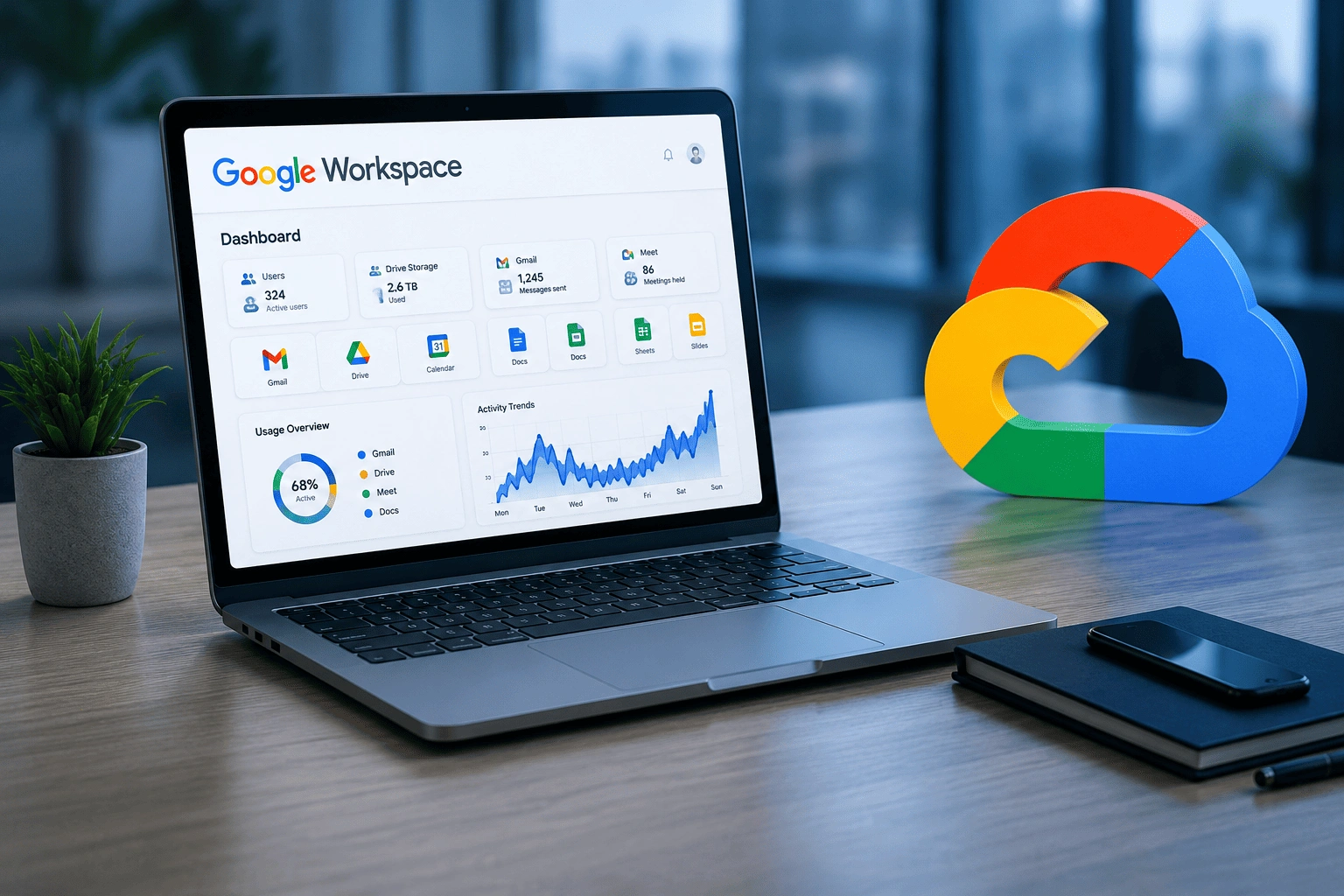
Google Workspace Solutions

Google Workspace Assessment & Planning
Google Workspace Deployment & Migration
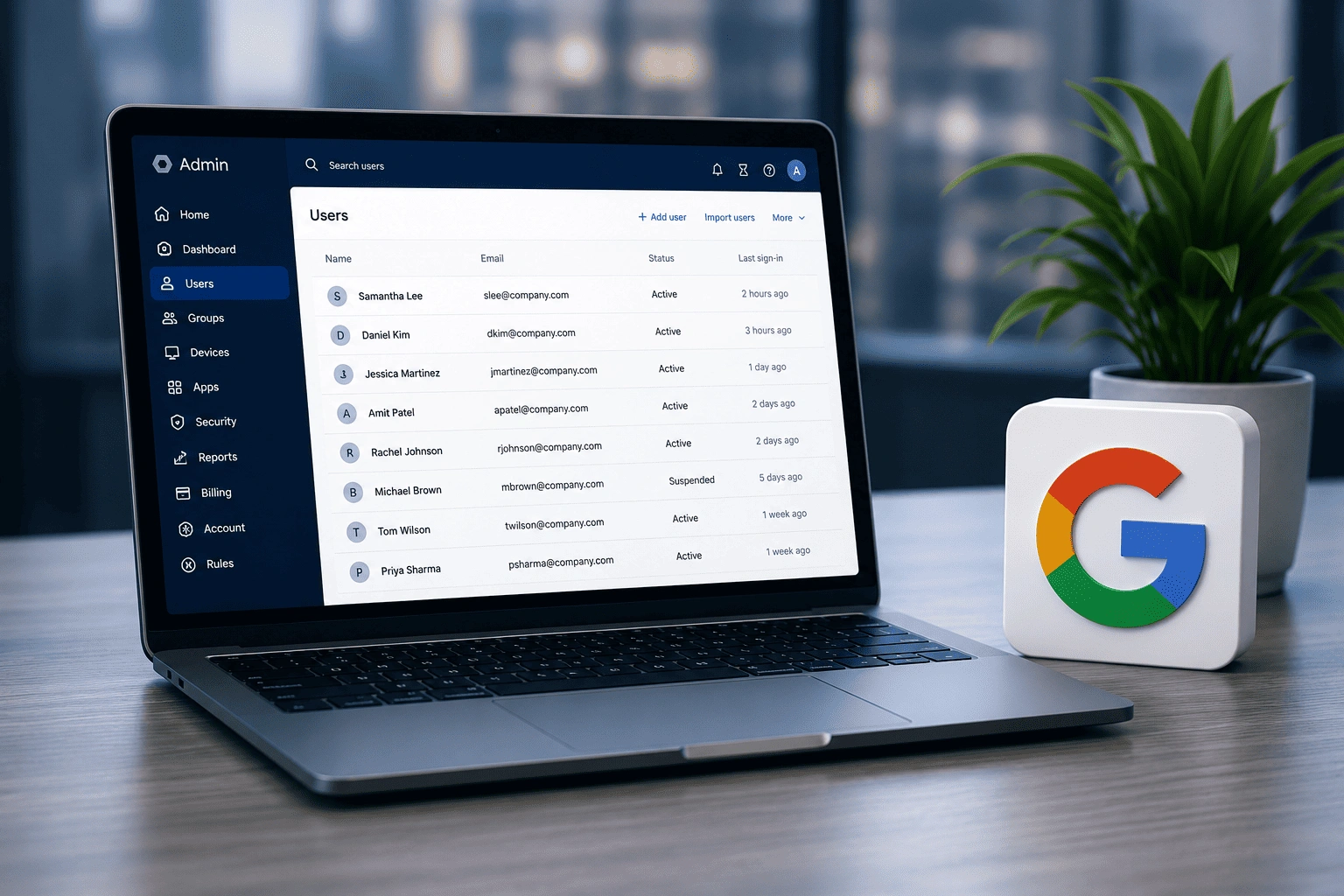
Google Workspace Deployment & Migration

Google Workspace Management
Google Workspace Management

Google Workspace DLP Configuration
Google Workspace DLP Configuration

Google Workspace Email Security
Google Workspace Email Security

Google Workspace Workflow Automation
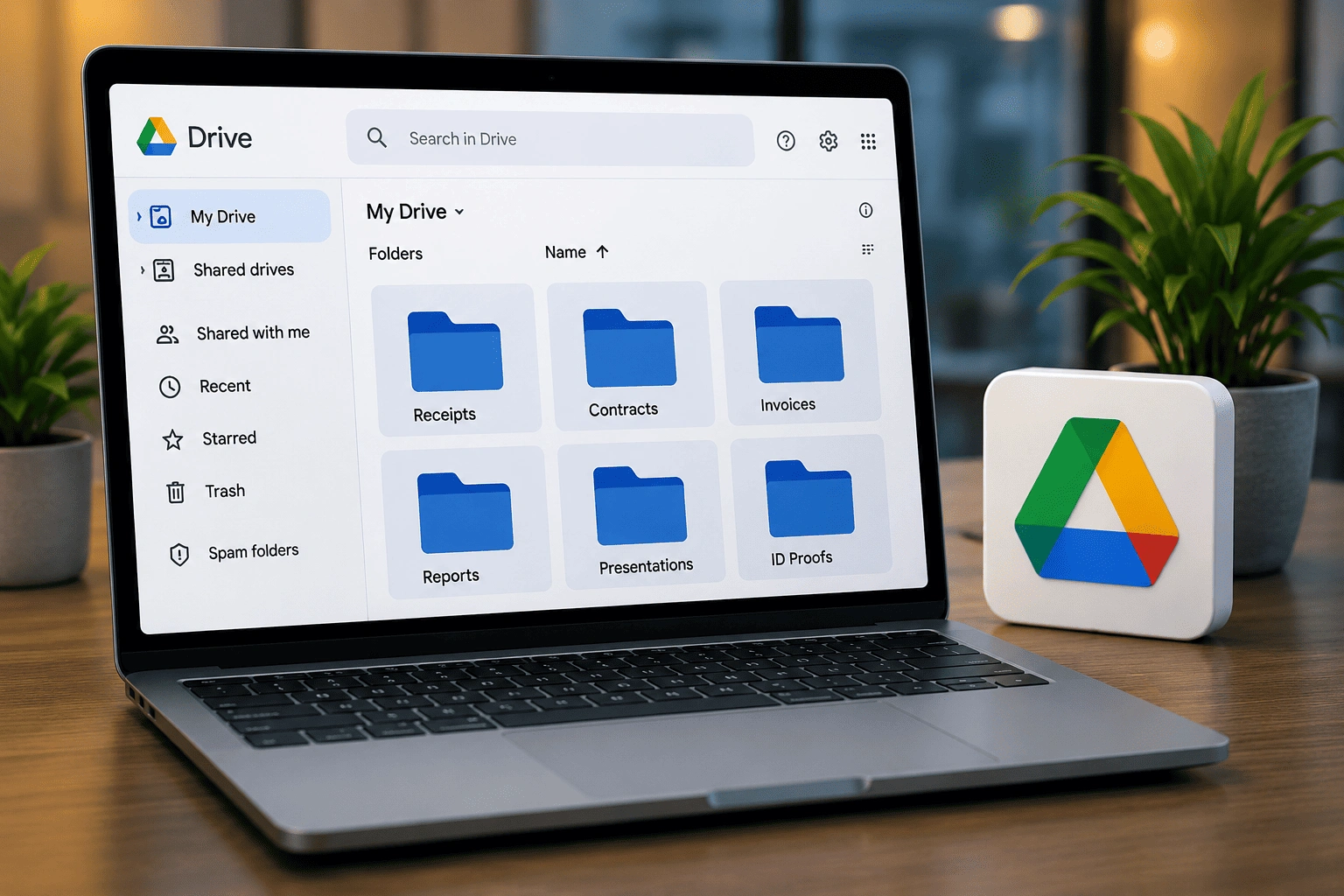
Google Workspace Workflow Automation

Google Workspace Document Management
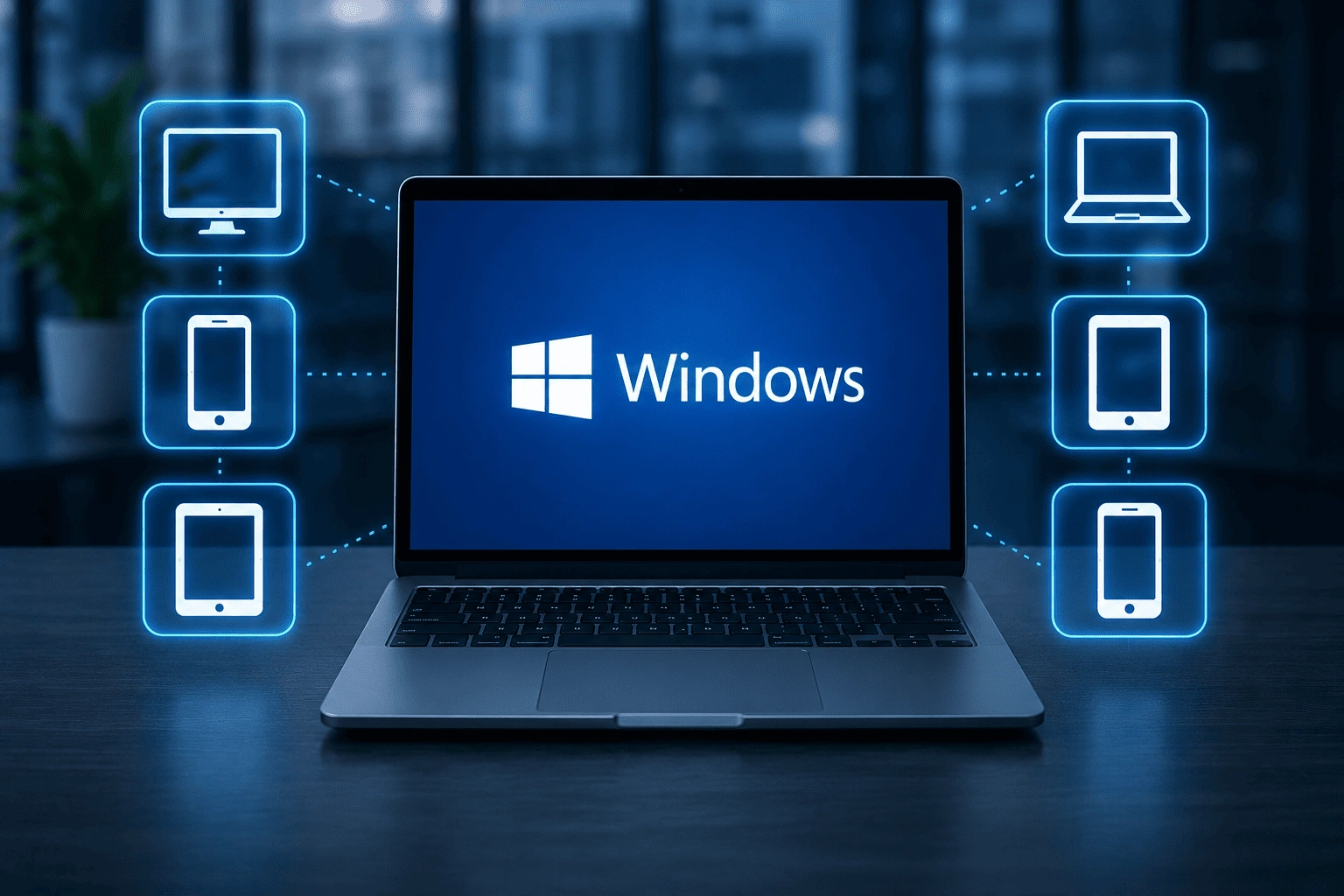
Google Workspace Document Management

Google Workspace Windows Device Management
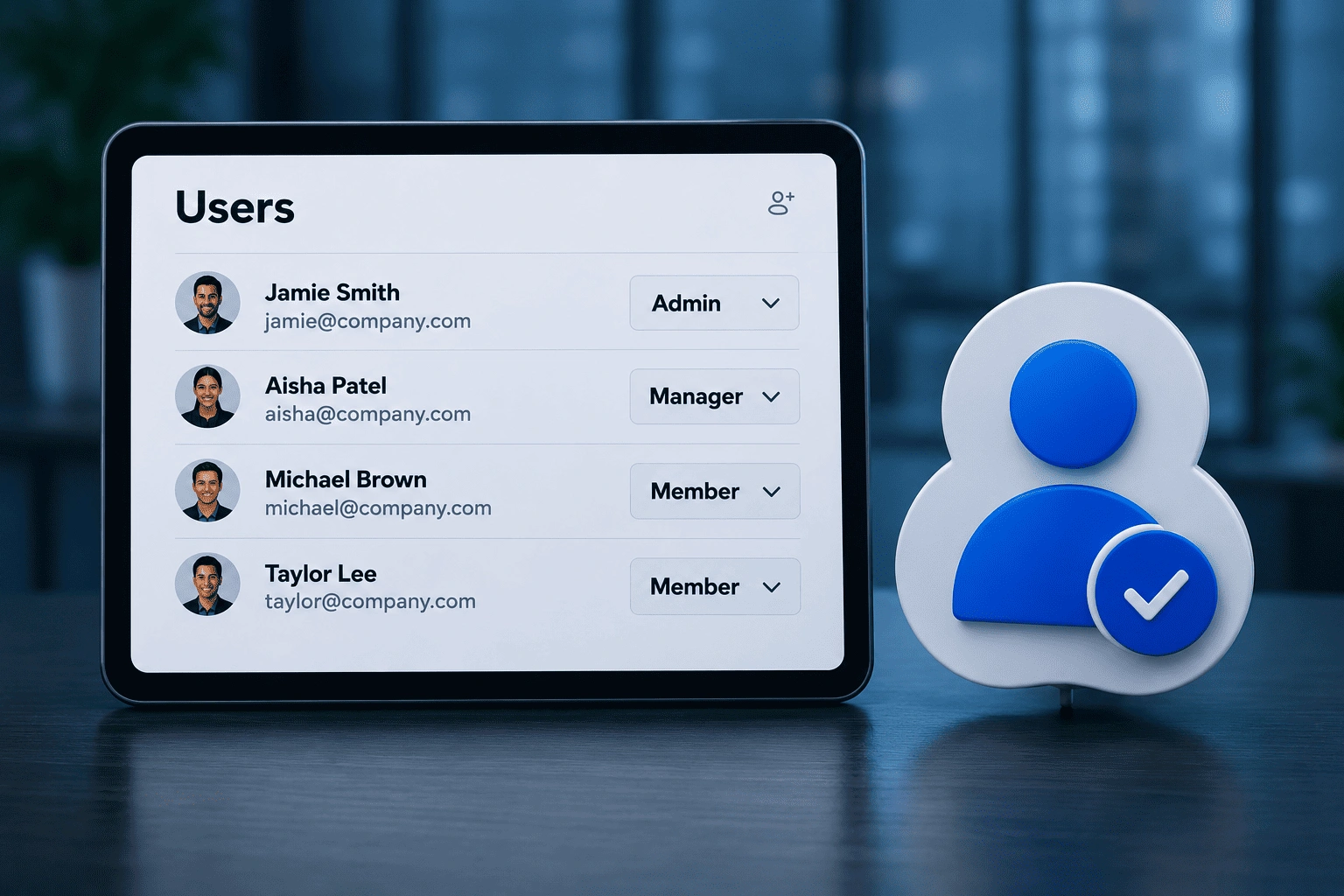
Google Workspace Windows Device Management

User & Access Management
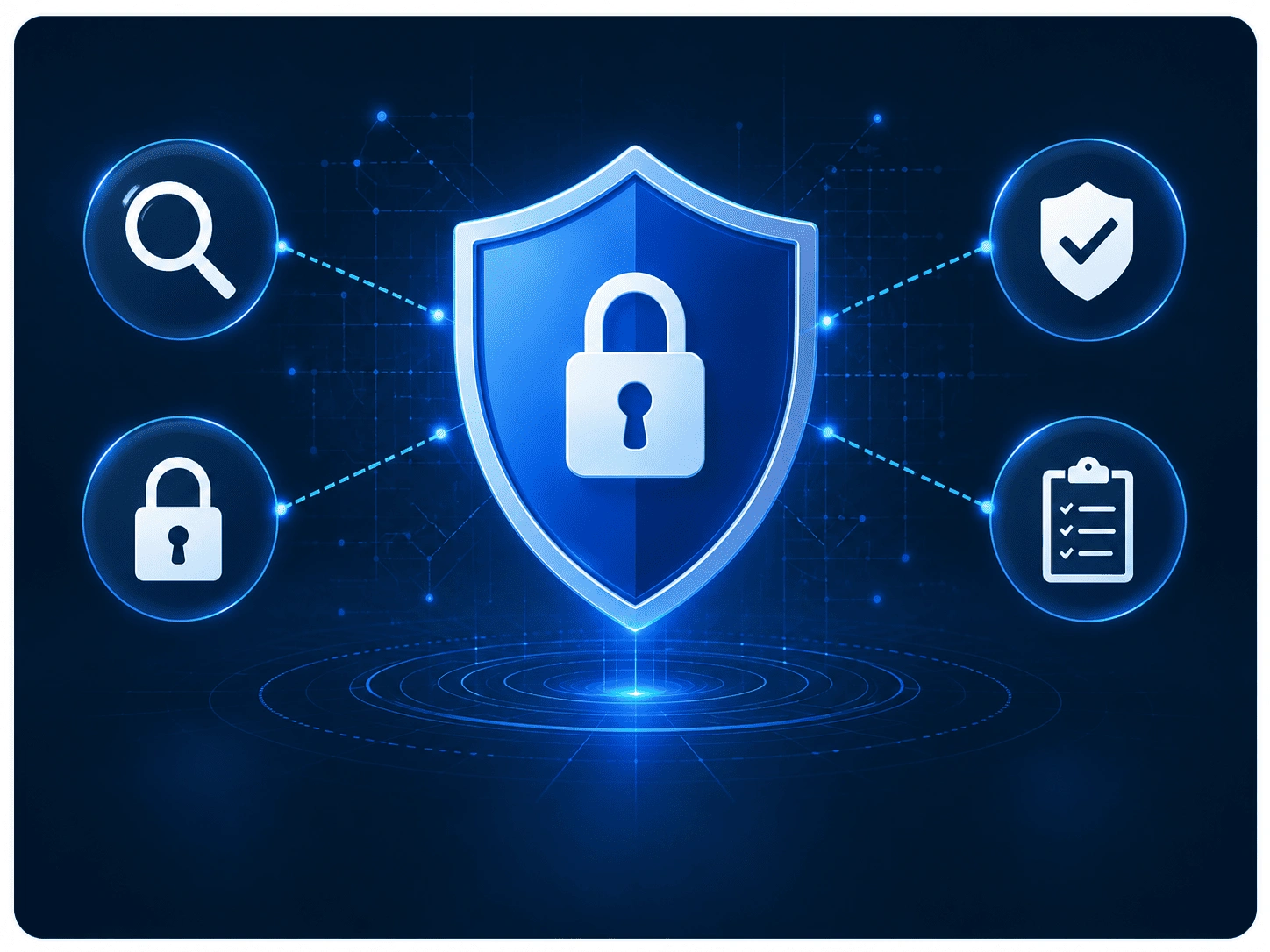
User & Access Management

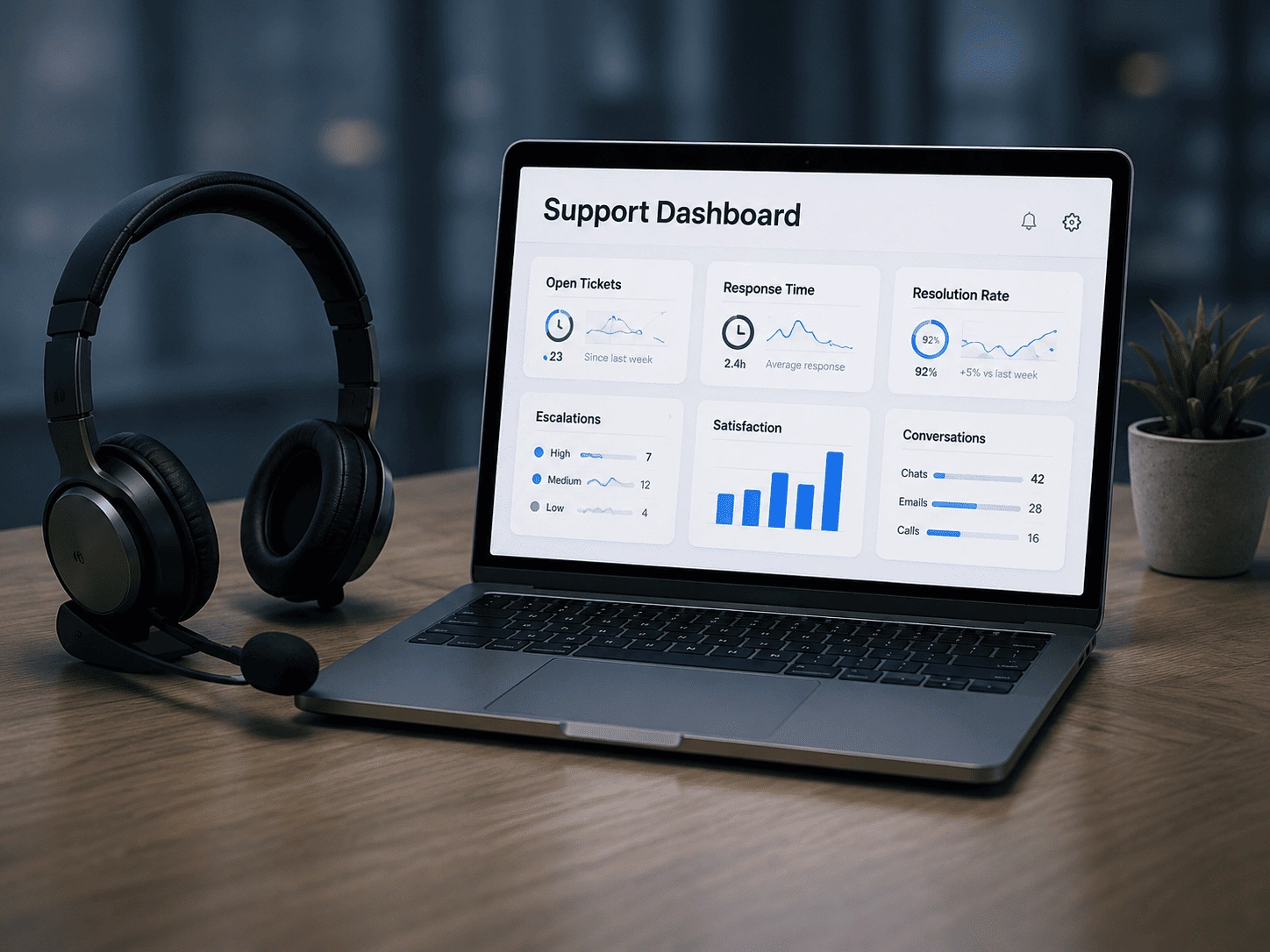
Security & Compliance Configuration
Security & Compliance Configuration

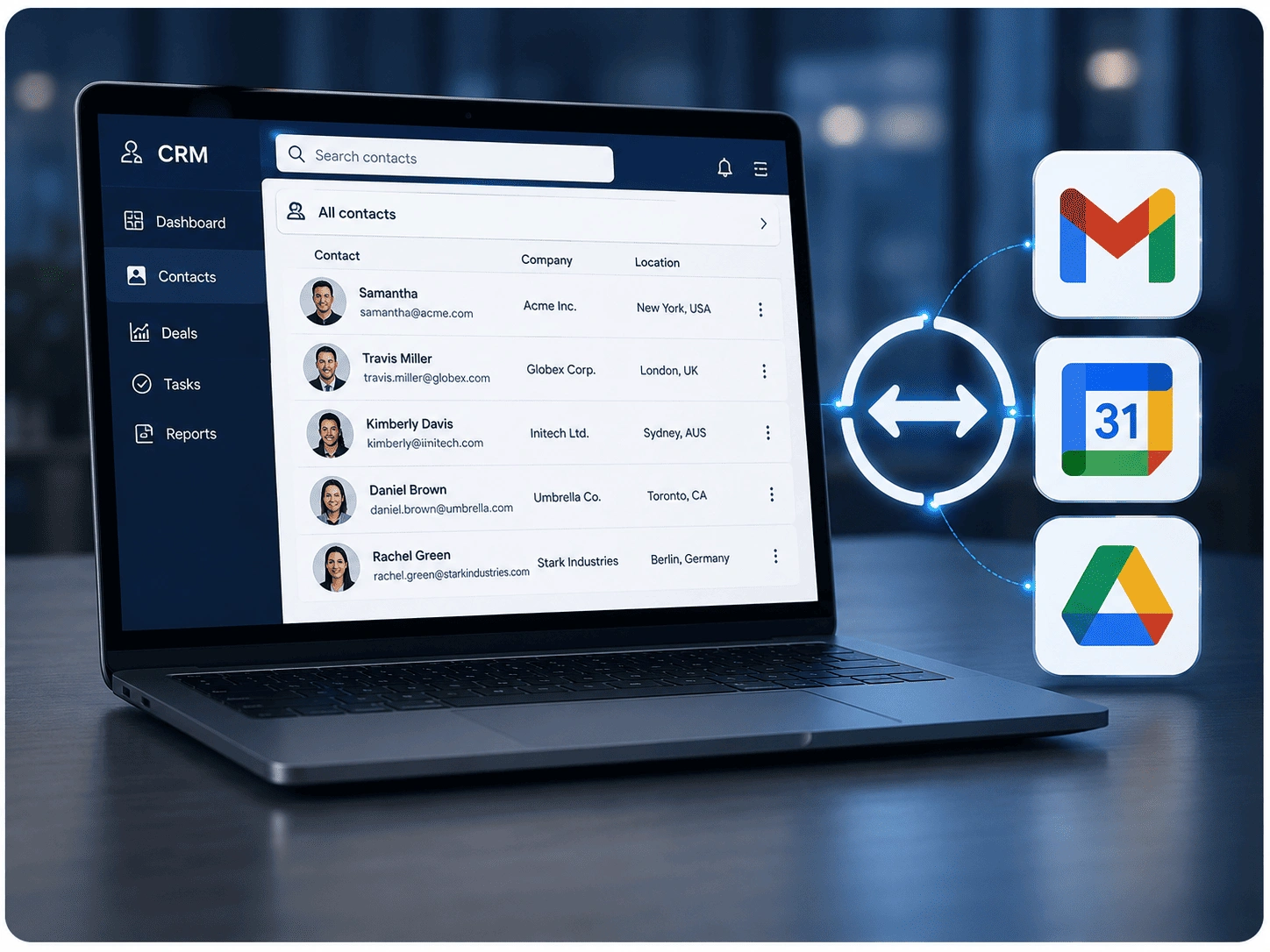
Google Workspace CRM Integration
Google Workspace CRM Integration

Ongoing Support & Optimization

Ongoing Support & Optimization

How Cloudshots Delivers Google Workspace Solutions

A successful Google Workspace implementation requires strategic planning, secure deployment, and continuous optimization. At Cloudshots, we follow a structured approach to ensure your Google cloud workspace environment remains secure, collaborative, and aligned with your business objectives. Our experts provide ongoing support to help organizations maximize productivity while maintaining governance and security.

01.
Assess
We evaluate your existing collaboration tools, business processes, security requirements, and productivity goals to identify the right Google Workspace strategy.
02.
Design
Our specialists design a Google Workspace environment tailored to your users, workflows, compliance requirements, and operational needs.
03.
Deploy
We implement and configure Google Workspace solutions, migrate users and data, and ensure minimal disruption to day-to-day business operations.
04.
Secure
We implement Google Workspace DLP, email security controls, access management policies, and compliance measures to protect sensitive business information.
05.
Optimize
We continuously monitor, manage, and optimize your Google Workspace environment to improve productivity, security, collaboration, and user adoption.

Frequently Asked Questions

Google Workspace solutions include cloud-based productivity and collaboration tools such as Gmail, Google Drive, Docs, Sheets, Meet, Chat, and Calendar that help organizations improve communication, collaboration, and operational efficiency while supporting modern work environments.
Google Workspace management involves administering users, devices, permissions, security policies, applications, and collaboration settings to ensure a secure, efficient, and well-governed workspace environment, while supporting seamless collaboration and operational consistency across the organization.
Google Workspace DLP (Data Loss Prevention) helps organizations identify, monitor, and protect sensitive information from unauthorized sharing, accidental exposure, or compliance violations across Google Workspace applications, while supporting regulatory compliance and strengthening overall data security.
Google Workspace email security protects business communications through advanced threat detection, spam filtering, phishing protection, access controls, and security policies designed to safeguard users and sensitive information while reducing the risk of cyber threats and unauthorized access.
Yes. Google Workspace workflow automation helps organizations streamline repetitive tasks, automate approvals, improve collaboration, and enhance operational efficiency through integrated business processes, reducing manual effort and accelerating day-to-day operations.
Absolutely, Google Workspace CRM integrations help businesses centralize customer information, improve collaboration between teams, and create more efficient sales and service workflows. We can also help identify the best CRM for Google Workspace based on your business requirements.
Google Workspace Windows device management enables organizations to manage, secure, monitor, and enforce policies across Windows devices, helping maintain security, compliance, and centralized control within the workplace environment while simplifying endpoint administration and improving visibility across managed systems.

Don’t Miss Out the Future!